Filter System UI
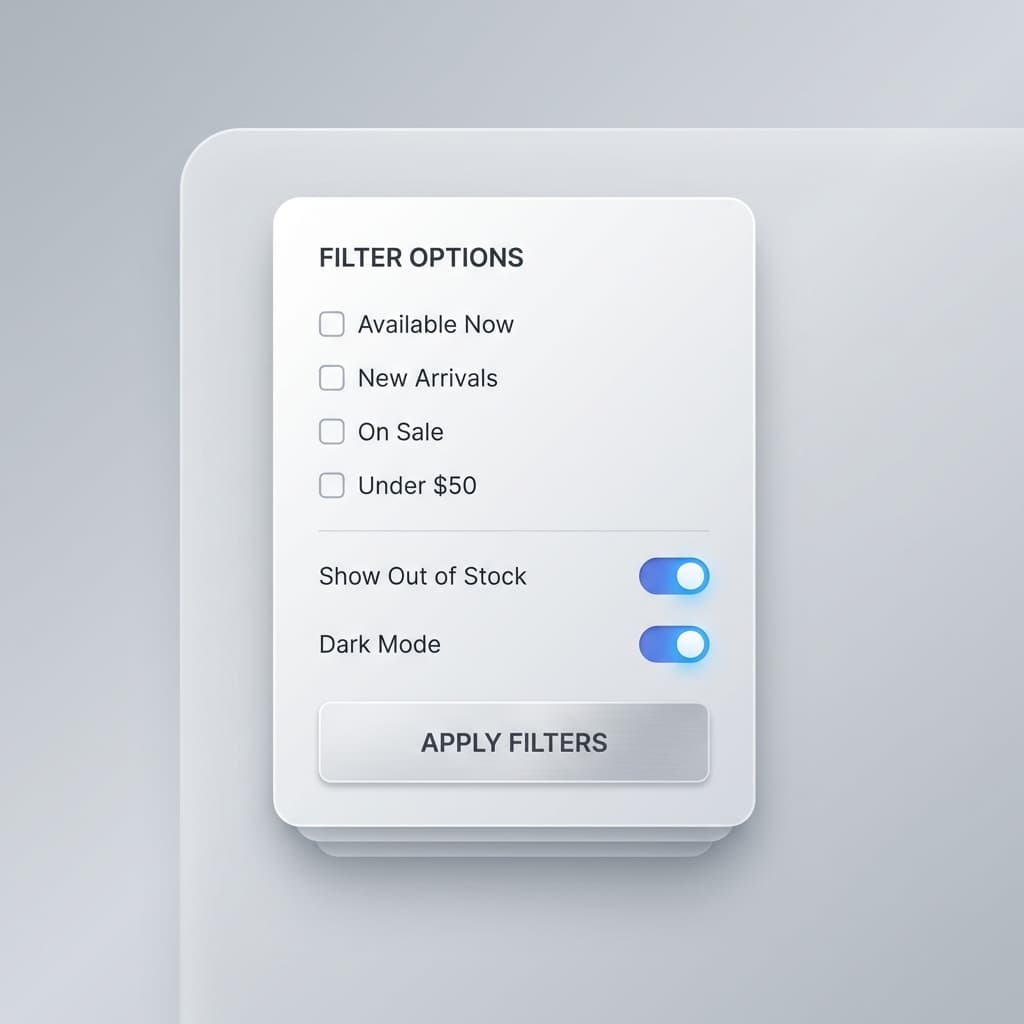
A powerful yet intuitive filter system that makes complex data exploration accessible to everyone.
Overview
What is it?
An advanced filtering interface that enables users to query and explore datasets with millions of records through a clean, visual interface. Supports complex boolean logic, temporal queries, and custom filter chains.
Why did we build it?
Users were abandoning our analytics platform because they couldn't find the data they needed. SQL was too technical, and existing filters were too limited. We needed a solution that balanced power with usability.
Who is it for?
Designed for data analysts, product managers, and business users who need to explore large datasets without SQL knowledge.
Tech Stack
Frontend
Backend
Database
Key Features
Visual Query Builder
Build complex filters using a natural language interface. Supports AND/OR logic, nested conditions, and custom operators without writing code.
Smart Autocomplete
AI-powered suggestions based on your data schema and query history. Shows value distributions and common patterns as you type.
Saved Filter Library
Save, share, and organize frequently used filters. Create filter templates for common use cases and share with your team.
Challenges & Solutions
The Problem
Query Performance: Initial filter queries were taking 8-15 seconds on datasets with 10M+ rows, making the interface unusable.
The Solution
Implemented a smart indexing strategy with Elasticsearch, added query result caching with Redis, and built a query optimizer that rewrites inefficient filters before execution.
The Result
Reduced query time to <500ms for 95% of queries, even on 50M+ row datasets.
The Problem
Complex UX: Users were overwhelmed by the flexibility of the system and didn't know where to start.
The Solution
Added contextual onboarding with interactive tutorials, created smart defaults based on common patterns, and implemented a progressive disclosure UI that shows advanced features only when needed.
The Result
User completion rate increased from 23% to 71%, with 40% fewer support tickets.
Architecture
Frontend built with React and TypeScript, using React Query for server state management. Backend uses FastAPI (Python) with Elasticsearch for full-text search and complex aggregations. Redis caches frequently used filter results, and a custom query optimizer analyzes and rewrites queries before execution.
Results & Impact
“The Filter System UI became the most-used feature in our analytics platform, driving a 45% increase in daily active users and significantly reducing churn from technical complexity.”
My Role
Lead Frontend Engineer & UX: Designed the user experience through extensive user research, built the entire frontend system, and collaborated with backend engineers on the query optimization layer.